Free Markdown to Word Converter — Meet MarkFlow, the Privacy-First Tool with LaTeX & Mermaid Support
If you've ever tried converting a Markdown file to a Word document, you know the pain: tables break, code blocks lose formatting, and LaTeX equations just disappear. I recently found a tool that actually solves this — MarkdownToWord.Pro (also known as MarkFlow), a free online converter that handles even the most complex Markdown syntax.
What Is MarkFlow?
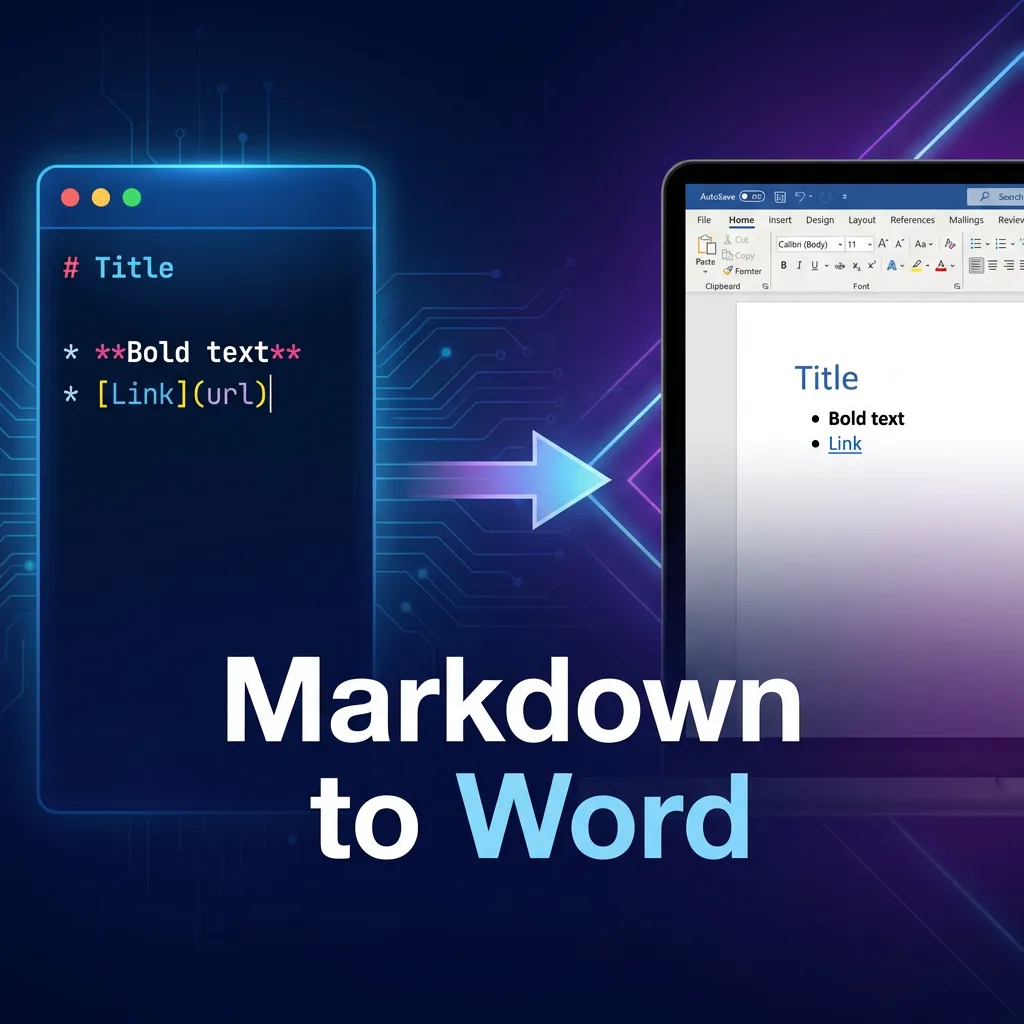
MarkFlow is a free, browser-based tool that converts Markdown files to Word (.docx), PDF, and HTML — with full support for GitHub Flavored Markdown (GFM), LaTeX math equations, and Mermaid diagrams. The best part? Everything is processed locally in your browser. Your files never leave your device.
Three Conversion Tools in One
The platform covers three major output formats:
- Markdown to Word — The flagship feature. Generates .docx files compatible with all versions of Microsoft Word, Google Docs, and LibreOffice.
- Markdown to PDF — Creates print-ready PDFs with professional formatting, no watermarks.
- Markdown to HTML — Outputs clean, semantic HTML5 perfect for web publishing or CMS integration.
How It Works — 3 Steps

- Paste or upload your Markdown content (drag & drop supported)
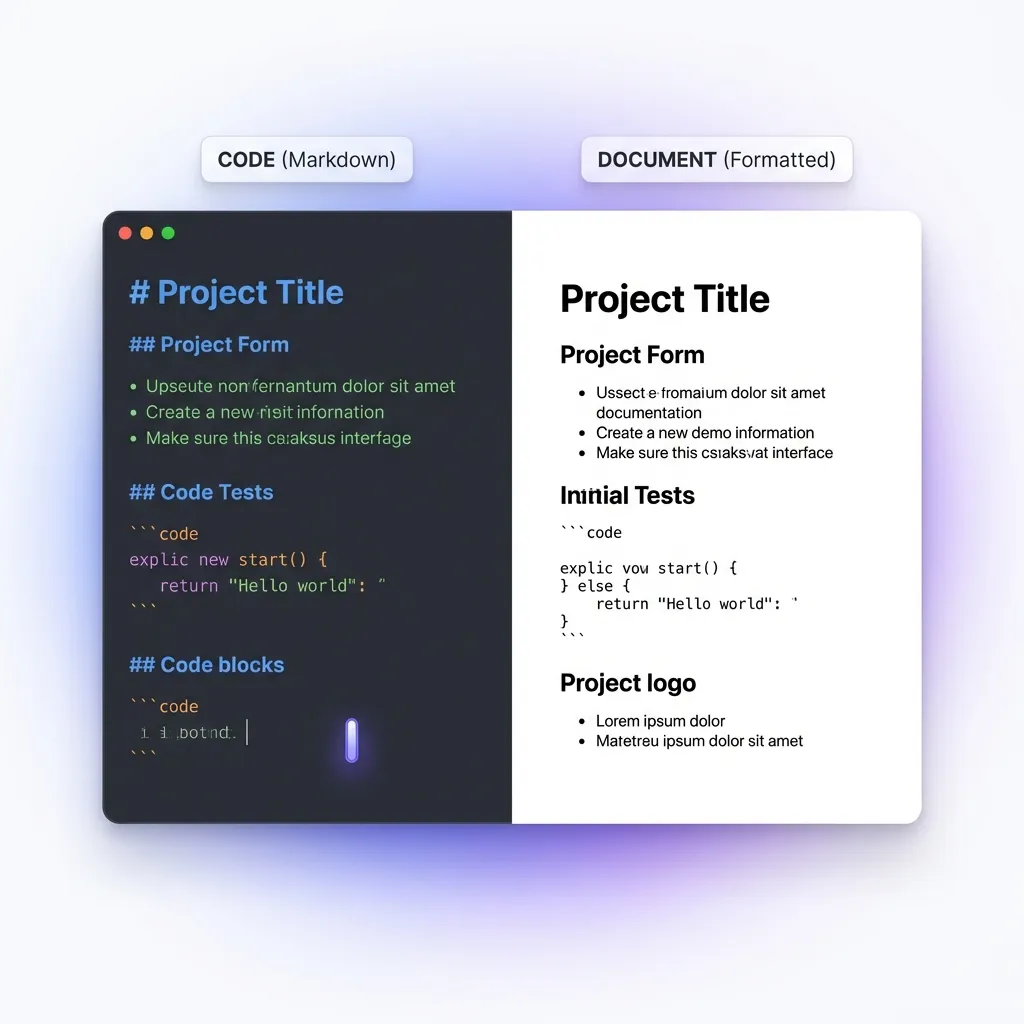
- Preview the formatted output in real-time with the split-screen editor
- Download your converted file — instantly, no signup required
Why MarkFlow Stands Out
Most Markdown converters choke on advanced syntax. MarkFlow doesn't. Here's what it handles that others often can't:
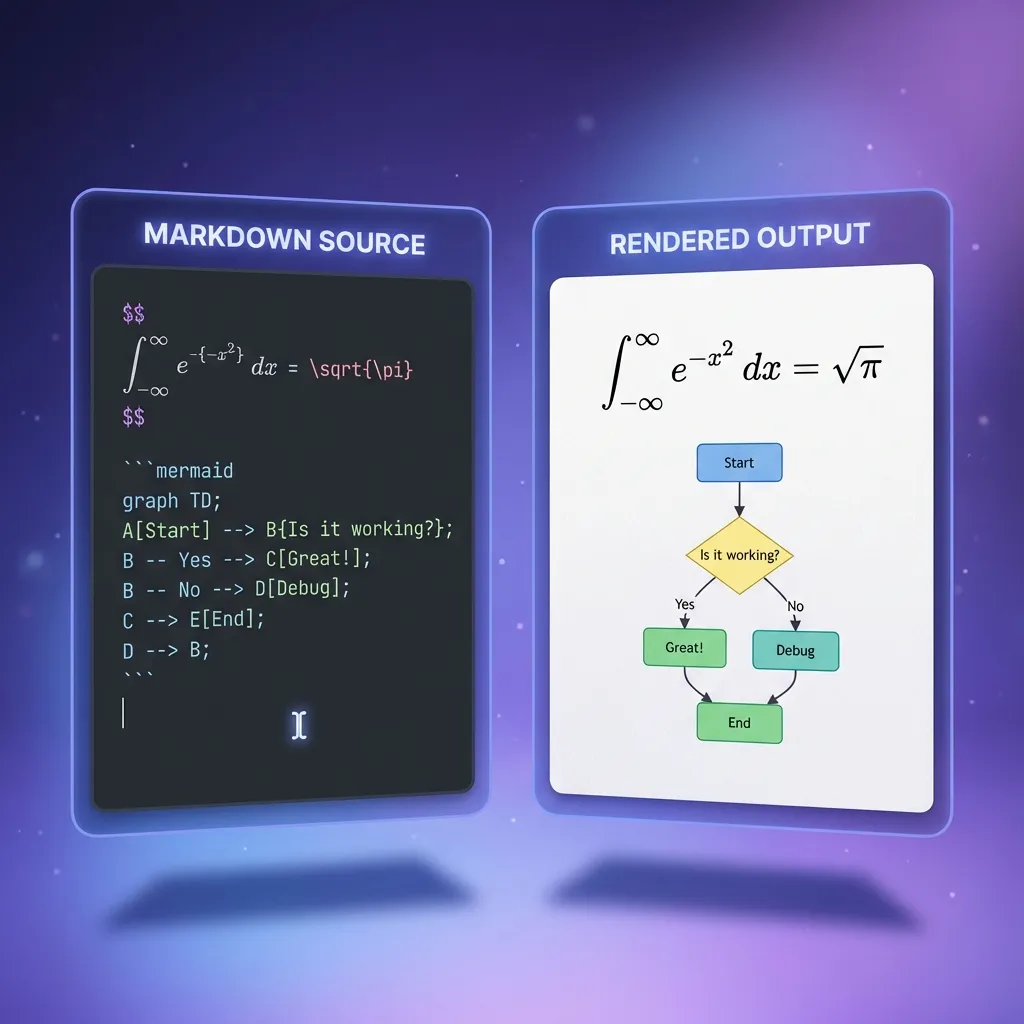
- LaTeX math equations — Both inline (
$E=mc^2$) and block equations render perfectly in Word output - Mermaid diagrams — Flowcharts, sequence diagrams, Gantt charts, and class diagrams are all converted as images in the final document
- GitHub Alerts — Note, Tip, Important, Warning, and Caution blocks are preserved with proper styling
- Syntax-highlighted code blocks — Code stays readable with color formatting in Word
- Complex tables — Nested structures and alignment are maintained
- Task lists & footnotes — Checkboxes and references come through cleanly
Privacy First — Everything Stays Local

Unlike most online converters that upload your files to a server, MarkFlow processes everything 100% in your browser. No data is sent anywhere. This makes it ideal for converting sensitive documents — contracts, internal documentation, academic papers — without privacy concerns.
Interactive Markdown Syntax Guide
New to Markdown? MarkFlow includes a built-in interactive example page where you can explore every Markdown syntax element — from basic headings and lists to advanced LaTeX equations and Mermaid diagrams — with a live side-by-side preview.
Who Is It For?
MarkFlow is built for anyone who writes in Markdown and needs professional document output:
- Developers — Convert README files, API docs, and technical specs to Word for non-technical stakeholders
- Students & Researchers — Turn academic papers with LaTeX equations into submission-ready Word documents
- Technical Writers — Streamline documentation delivery across multiple formats
- Job Seekers — Create professional resumes from Markdown (check out their Markdown to Resume guide)
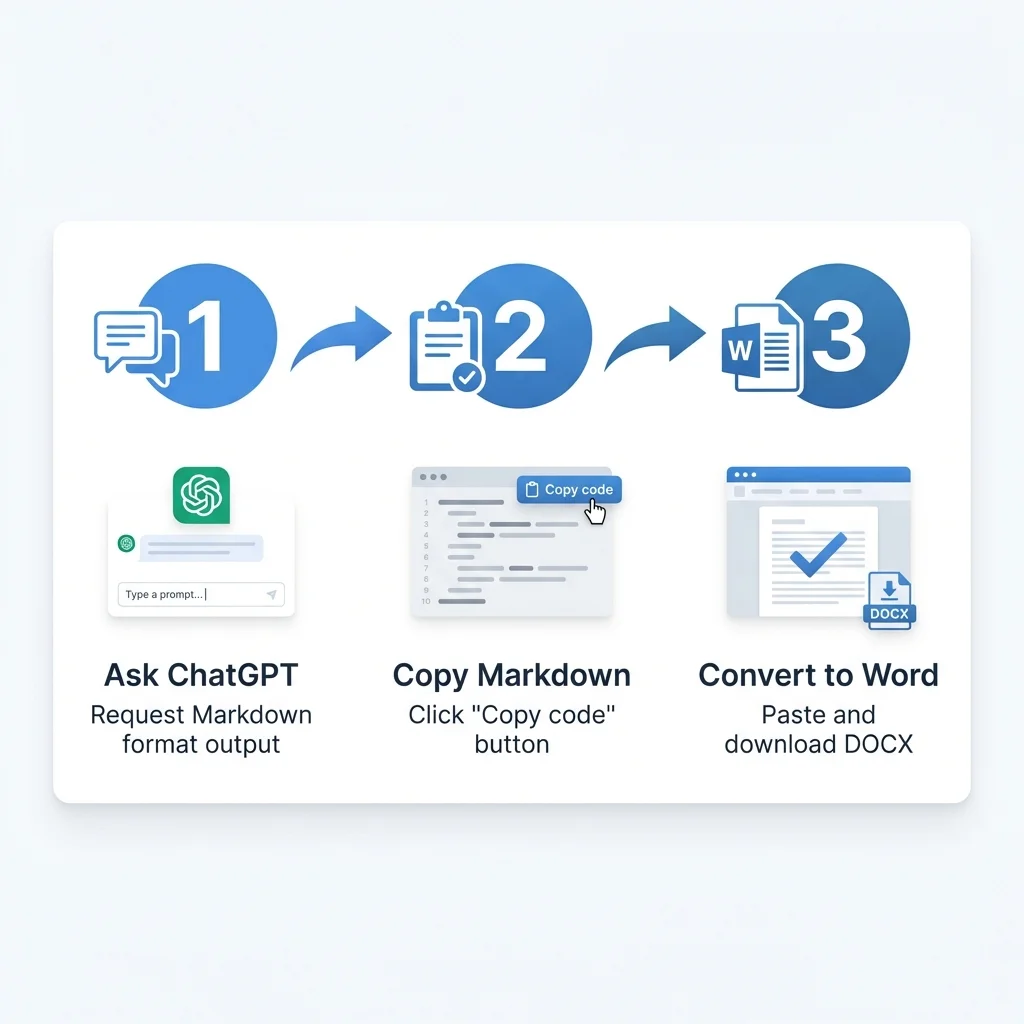
- AI/ChatGPT Users — Easily convert ChatGPT's Markdown output to Word (see their ChatGPT to Word tutorial)
Helpful Blog & Guides
The MarkFlow team maintains an excellent blog with practical tutorials, including:
- How to Write in Markdown: Beginner Guide
- Markdown for AI and LLMs
- Notion to Word Guide
- Best Markdown to PDF Converters
Supports 13 Languages
MarkFlow's interface is available in 13 languages — English, Chinese (Simplified & Traditional), Japanese, Korean, German, Spanish, French, Italian, Portuguese, Russian, Vietnamese, and Arabic — making it accessible to users worldwide.
Final Verdict
If you need a Markdown converter that actually handles complex formatting — LaTeX, Mermaid, GFM alerts, code highlighting — MarkdownToWord.Pro is the best free option I've found. The fact that it's completely free, requires no signup, and processes everything locally in your browser makes it a no-brainer.
Try it now at markdowntoword.pro.
评论
发表评论